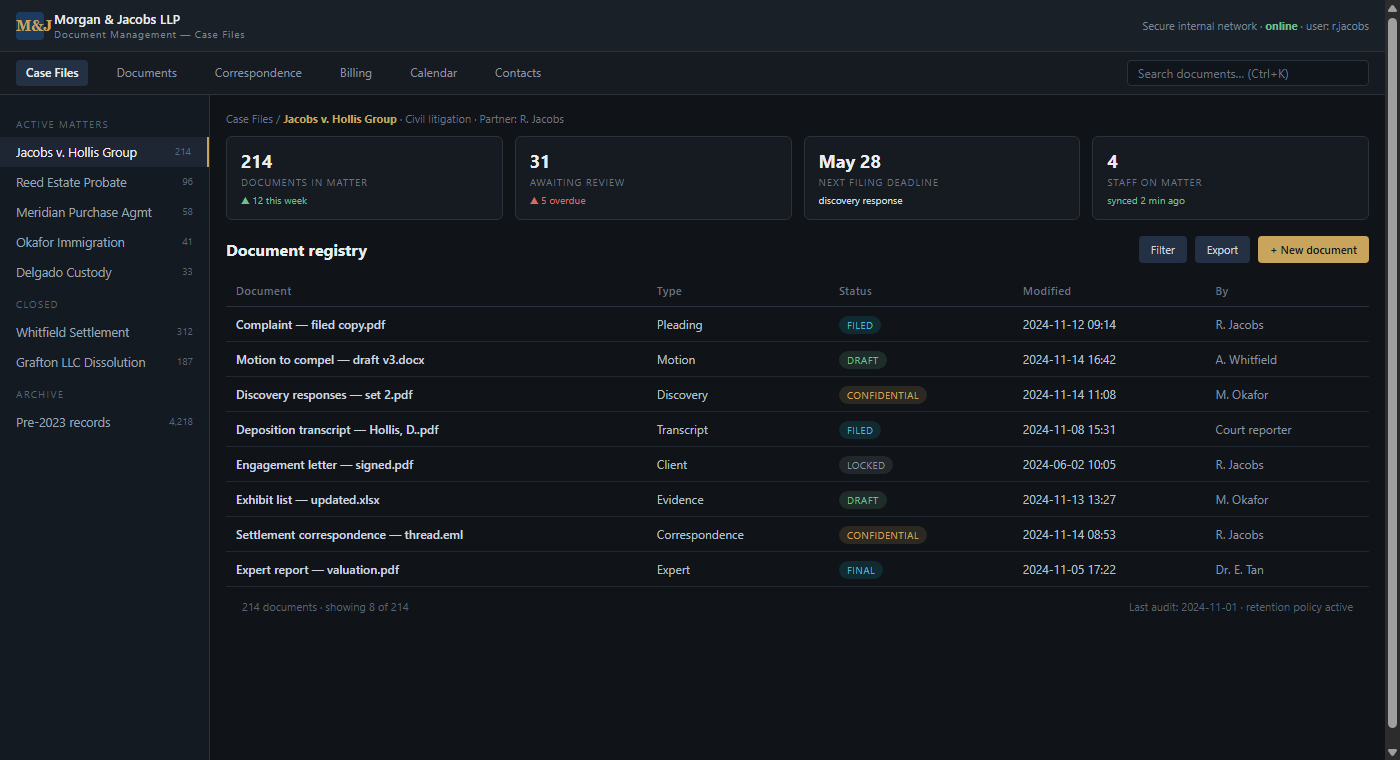
01 — Case-file document registry: matter view with status badges
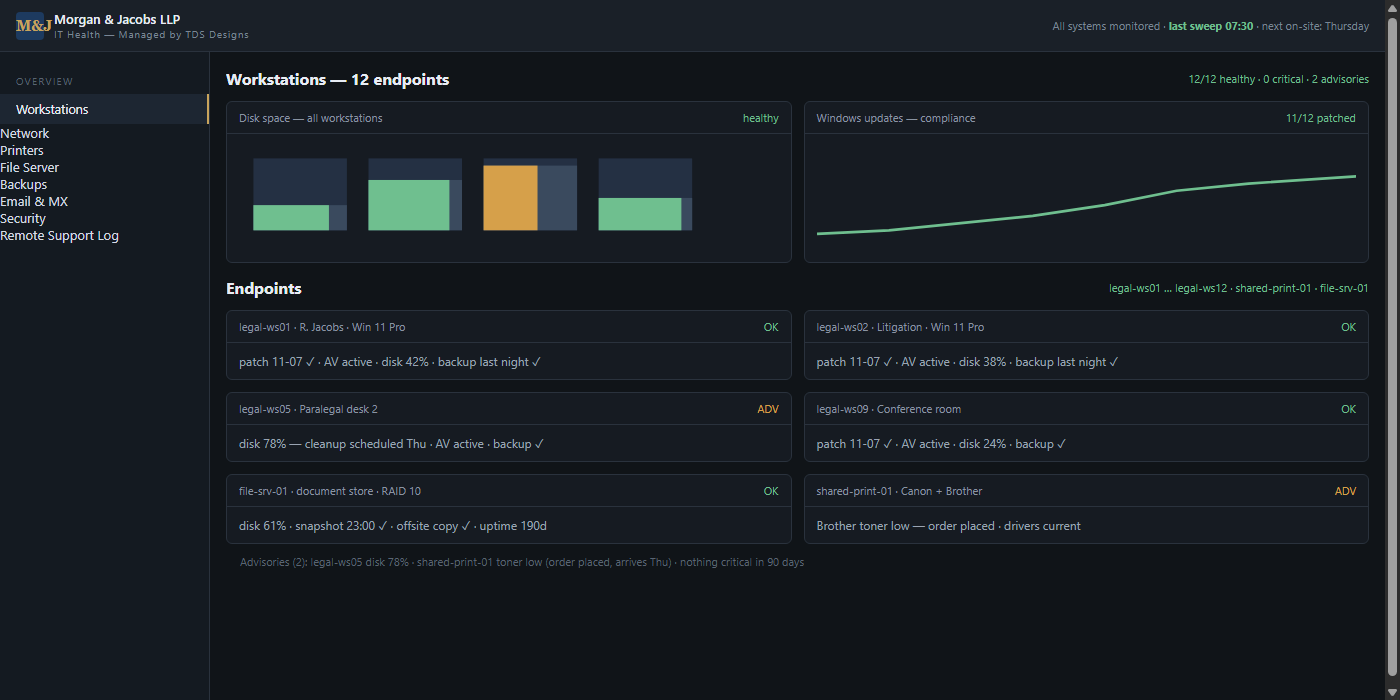
02 — Workstation health: 12 endpoints, nothing critical in 90 days
A full document workstation rollout and managed IT environment for a law office that runs on paper: twelve workstations, a case-file document registry, a RAID file server with off-site copies, and same-day on-site support — built so that losing a document is harder than finding one.
A law office runs on documents, and Morgan & Jacobs had outgrown how theirs lived: matter files spread across individual desktops, a shared drive nobody trusted, one printer that jammed every Monday, and no reliable answer to the question "where is the signed copy?" — except asking the partner who saved it. For a practice facing court deadlines, that was a liability, not an inconvenience.
They needed the opposite setup: every document in one place with an audit trail, workstations that behave identically, backups that are actually tested, and a person to call who knows the office — not a ticket queue.
I rolled out twelve standardized workstations — Windows 11 Pro, identical baselines, patches and antivirus managed centrally — and built the office's document environment around a case-file registry: documents live on a RAID-10 file server, organized by matter, with status badges (draft, filed, confidential, locked) and a nightly snapshot plus off-site copy. Nothing important lives on a desktop anymore.
"Where is the signed copy?" now has one answer, and it takes seconds. Attorneys pull case files from any workstation in the office; the firm meets discovery deadlines without document hunts; and the nightly backup has turned the worst-case question — "what did we lose?" — into a non-event. The office runs, the staff barely notice the infrastructure, and the partners stopped worrying about their files somewhere around the second week.
"Before this, losing a document was a real fear. Now the question isn't where it is — it's which version we want."
Workstations, networks, printers and backups — set up once, done right, with a real human to call.
Contact TDS Designs → See other work